
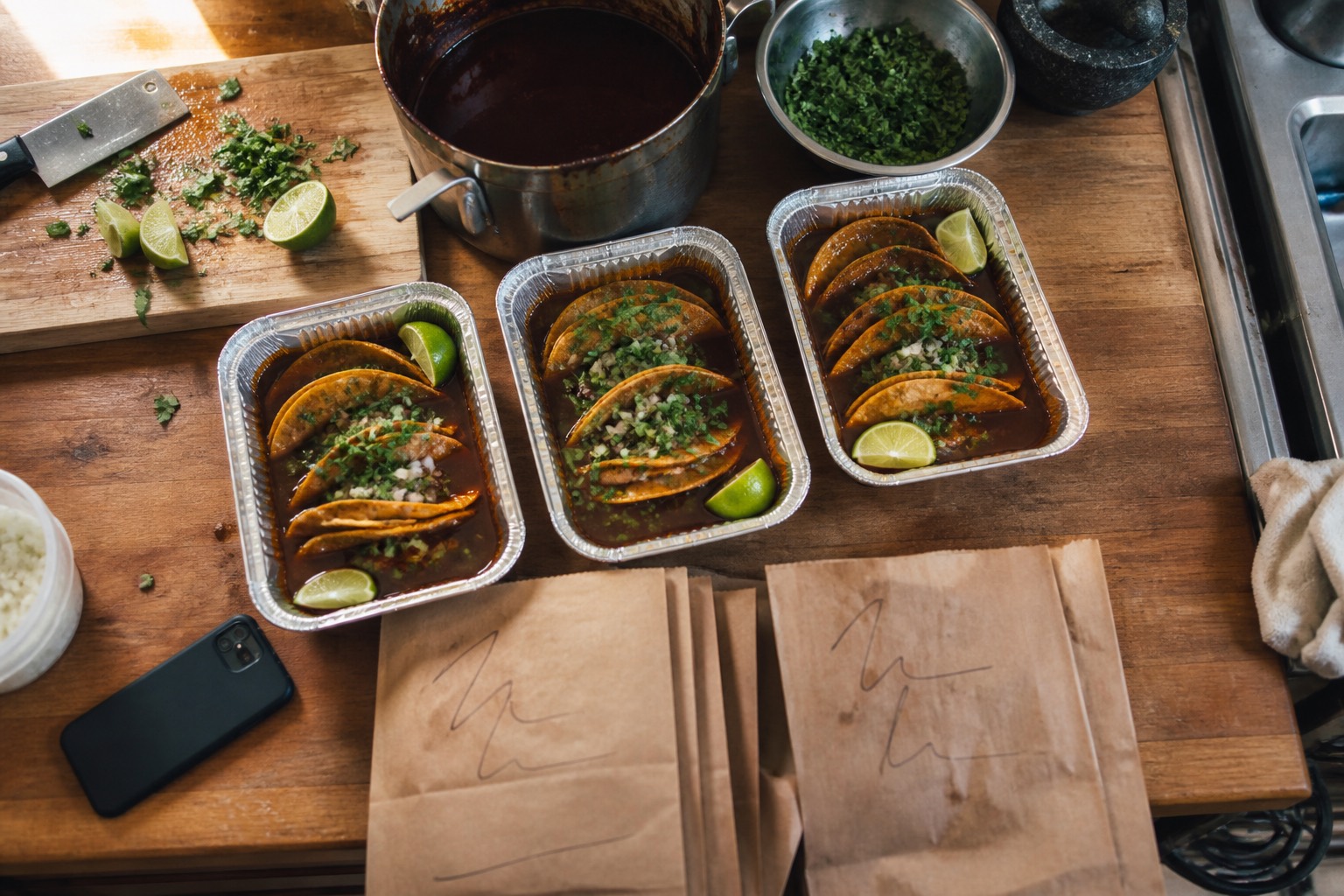
Sell food from home or a food truck? Start here
Love local homemade food? See who's cooking today
HOME KITCHENS · FOOD TRUCKS · MEAL PREP
One link for your food. Every order in one place.
Send people a link to your menu. They order, they say when they're coming, and you get one clean list instead of forty messages.
6% OF WHAT YOU SELL, OR $39 A MONTH FLAT. YOU PICK.
Hungry rather than cooking? See who's cooking today.
Right now the orders live in your messages
- 01 Scrolling back three days to work out who ordered what.
- 02 A second plate got missed at pickup.
- 03 You've typed the menu out again.
- 04 Is the birria still available?
- 05 One paid cash, one still owes you.
None of that is a you problem. It's what happens when your kitchen is a comment section.
Three steps, then your kitchen is open
-
01
Add your dishes
Name it, price it, photograph it. Add the sizes and toppings. Ten minutes.
-
02
Share your link
Your bio, a story, taped to the window. It opens on any phone, with nothing to download.
-
03
Take orders
A name, a number, a pickup time and the no onions. Tap accept when you start cooking.

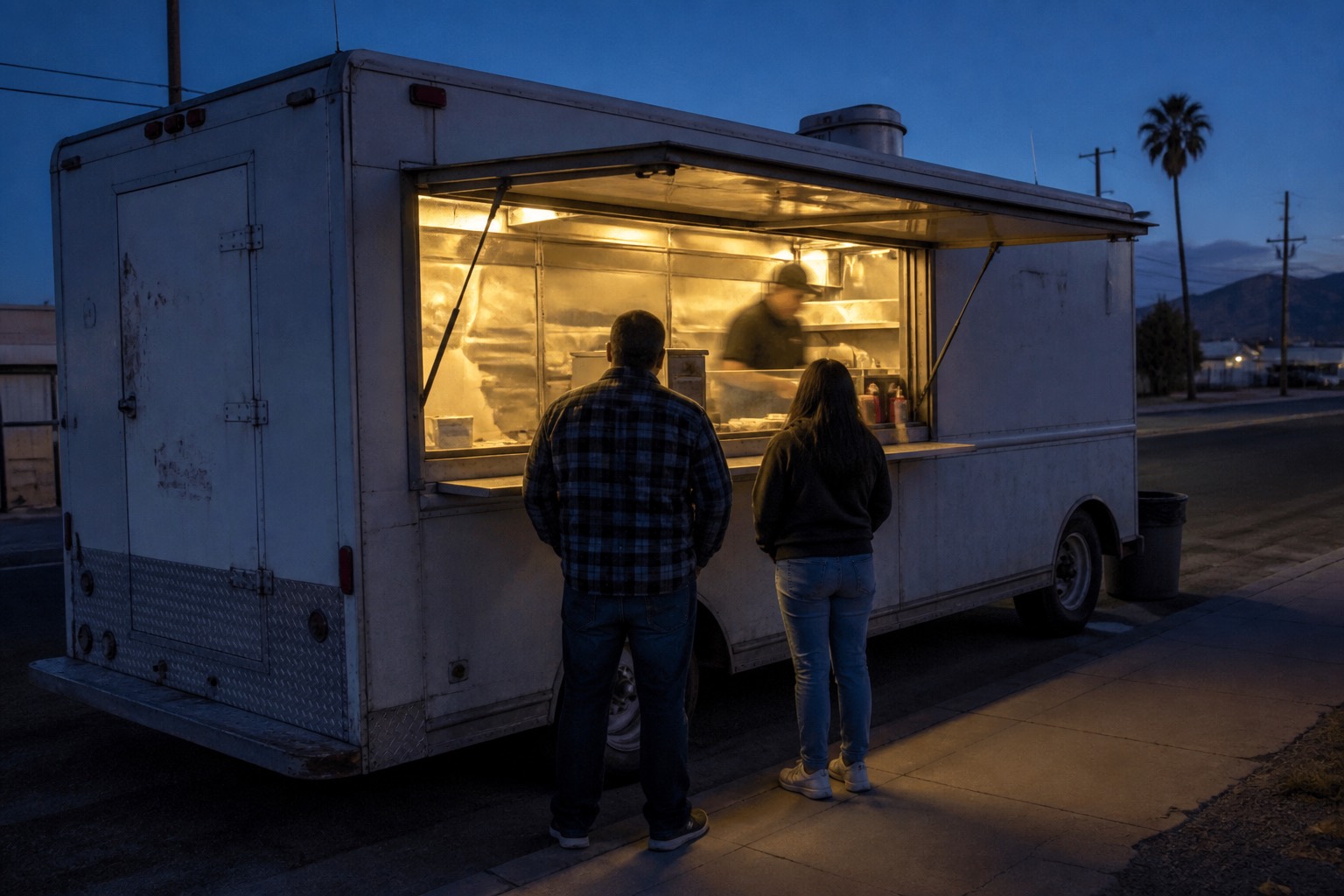
If you move, your link moves with you
Change today's corner and today's hours in one screen. Everyone who saved your link sees it before they set off.
- TODAY'S SPOT IN TWO TAPS
- COOK TO A LIST, NOT A QUEUE
- SOLD OUT GREYS ITSELF OUT
This is what your customers see
A working menu, right here. Pick a size and watch the price move. Nothing you tap gets sent anywhere.
- Sizes and extras, priced as they pick
- The total updates on every tap
- Opens in a browser, and they can add it to their home screen
- Sold out dishes go gray on their own
How a customer adds a kitchen to their iPhone home screen
Open a kitchenAN EXAMPLE KITCHEN Nobody's kitchen, finished, so you can see what one looks like. Tap through it: nothing you do here places an order.
WHILE YOU COOK
Back of House
Orders land on a rail in the order they came in, with the whole ticket on them: what to make, what they changed, and the note that gets missed. One tap moves a ticket forward. One tap takes a dish off the menu when you run out, and your storefront knows straight away.
- Every open ticket in one list, oldest first
- What is selling right now, and what has stopped
- 86 a dish, or quote a wait, in one tap
It is an add-on, on top of whichever plan you are on. Everything else on this page - your menu, your link, your orders, the Money screen - is included in the plan itself.
Seven days free once you have taken your first order, then $5 a month. You add a card to start it, and can cancel any time, in one tap.
Try a working onePRICING
Two ways to pay.
PAY AS YOU SELL
6%of each order
- Nothing up front, nothing monthly
- Nothing on an order that gets cancelled
FLAT MONTHLY
$39a month
- 0% per order, however much you sell
- The same bill every month
- Switch from your next billing date
Back of House is an optional add-on on top of either plan. It is the live screen you cook from: the ticket rail, what is selling right now, and one tap to take a dish off the menu. See it running.
Your customers pay you, not us. Cash at pickup, or by card when they order, and you pick which you take. Neither one puts your money in our account. On the per-order plan it is 6% either way.
The ones people actually ask
Do I need a license to sell food I cooked at home?
Most states run a cottage food program, and most ask you to register and hold a food handler card. What you may sell and how much varies a lot. Here is how to find your state's rules. General information, not legal advice.
How do I get paid?
Two ways, and you pick which you take. Cash when they collect is money in your hand that day. By card, they pay when they order and it lands in your own Stripe account, never ours, and Stripe sends it on to your bank on a schedule you set. Either way we never hold your money, so there is nothing for us to release and nothing to go wrong at our end. Stripe charges its own fee on a card payment, and the app shows what you keep on every order.
Do my customers need an account?
No. They open your link, pick their food, and leave a name and a number. Nothing to download and nothing to sign up for.
Do I need a computer?
No. All of it is built for a phone, including setting up your menu. Add it to your home screen and it opens like any other app.
What if somebody doesn't turn up for their food?
Their name and number are on the order, so you can call them. Mark it cancelled and anything you were counting goes back on the menu. You are not charged a fee on a cancelled order.
Can I use it for one weekend and then stop?
Yes. Open a kitchen, take orders, close it when you are done. On the per-order plan a month that comes to less than a dollar gets no bill.
What if I close for the winter?
Set your kitchen to closed and it stops taking orders. Your menu, your photos and your link stay exactly where they are, and on the per-order plan a month with no orders costs you nothing.
I cook on a truck, not at home. Does this still fit?
Yes. Set today's spot and hours, people order ahead, and you cook to a list instead of a queue. Your permits and commissary are unchanged.
Put your menu somewhere people can order from
Ten minutes to set up. 6% when you sell, or $39 a month.
Open a kitchenNO CARD NEEDED TO START